Supercharge Your AI Chat Experience
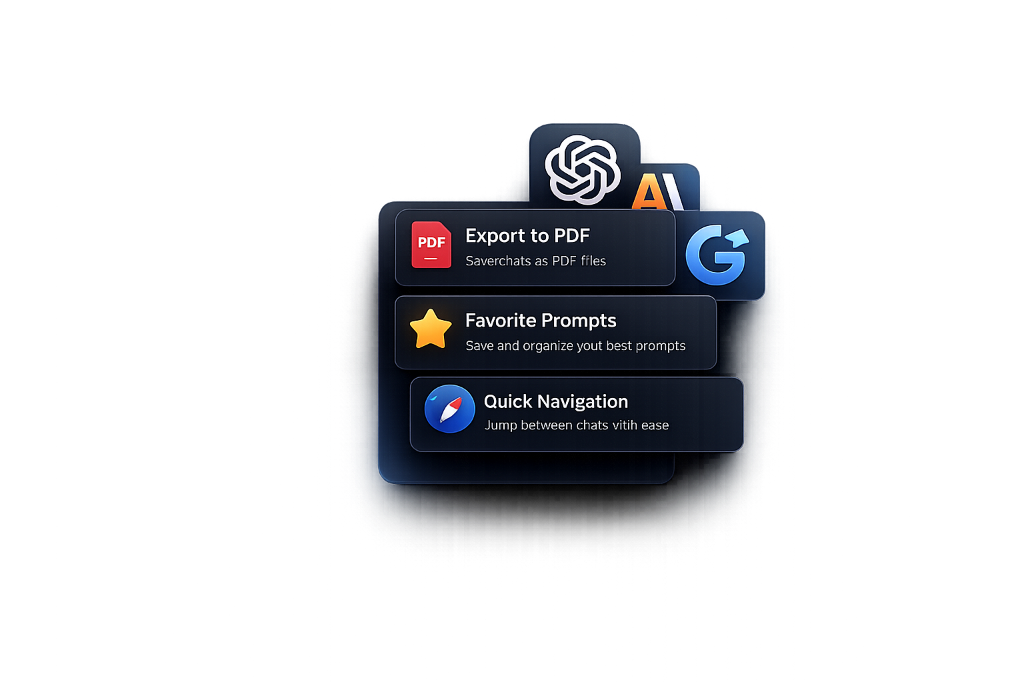
Export conversations to PDF & Word, save your favorite prompts, and navigate chats effortlessly across ChatGPT, Claude, and Gemini.
Everything You Need to Level Up
Simple yet powerful tools designed to enhance your AI chat workflow without getting in the way.
Export Conversations
Save your AI chat conversations as beautifully formatted PDF or Word documents with one click.
Save Favorite Prompts
Build your personal prompt library. Save, organize, and reuse your best prompts instantly.
Quick Navigation
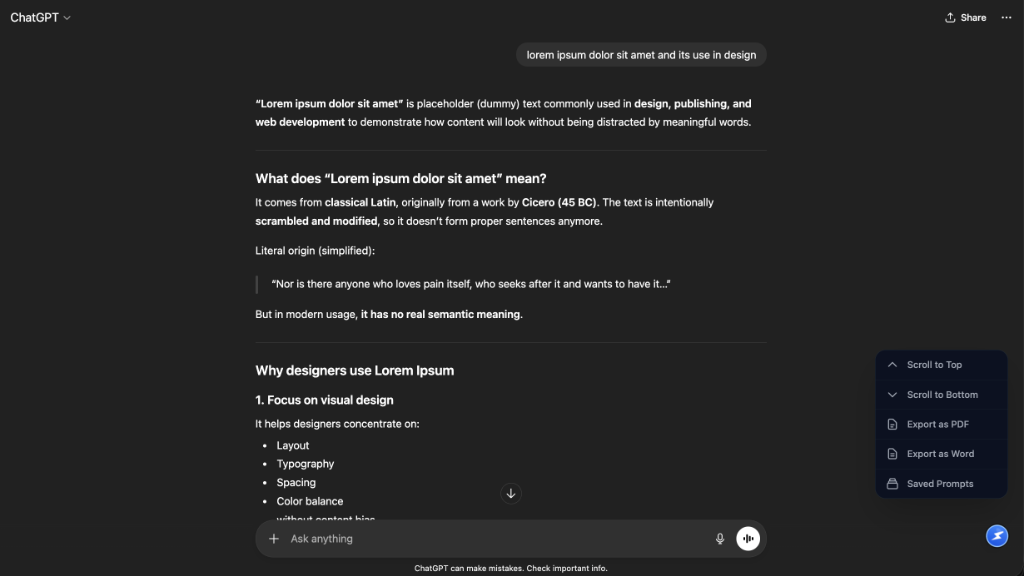
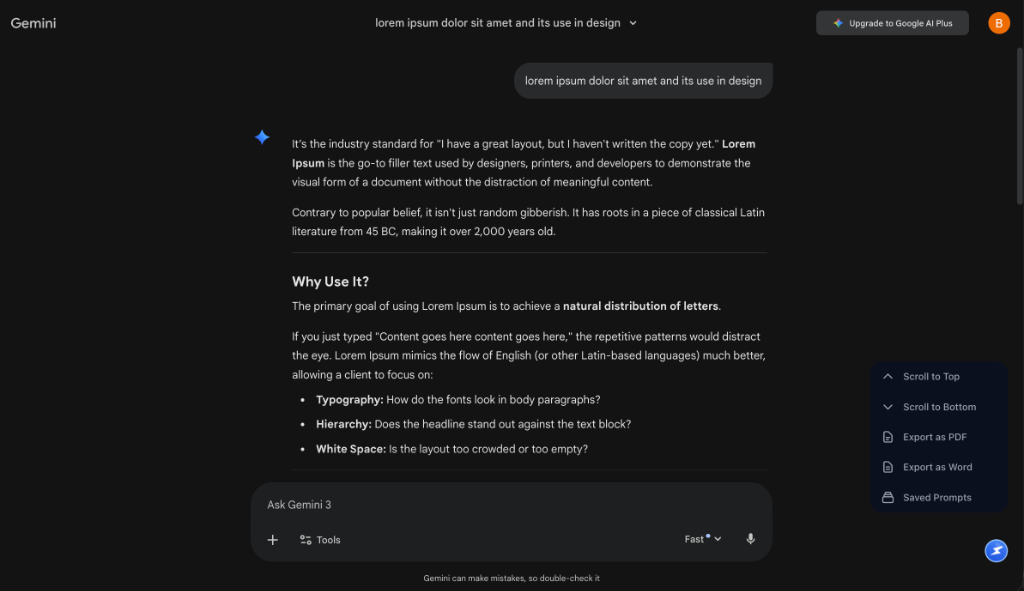
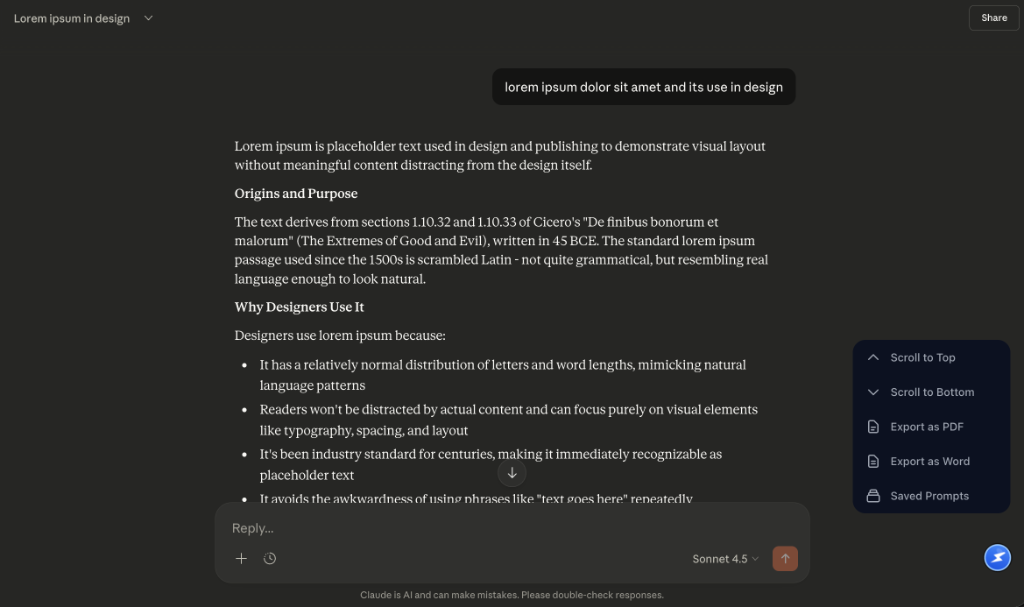
Jump to the top or bottom of long conversations instantly with floating scroll controls.
Unified Interface
Access all tools from a single floating button. Clean, minimal, and always within reach.
Lightweight & Fast
Built for performance. No bloat, no slowdowns — just the tools you need.
Privacy First
Your data stays on your device. No tracking, no analytics, no servers involved.
Get Started in Seconds
No complicated setup. Install once and it just works.
Add to Chrome
Install the extension from the Chrome Web Store. It's free and takes seconds.
Open ChatGPT
Navigate to chatgpt.com, claude.ai or gemini.google.com. The features will automatically appear.
Supercharge
Use the new sidebar controls, export buttons, and prompt manager to boost productivity.
Ready to Transform Your AI Chat Workflow?
Join thousands of users who've already upgraded their ChatGPT, Claude, and Gemini experience. It's free, fast, and takes seconds to install.